
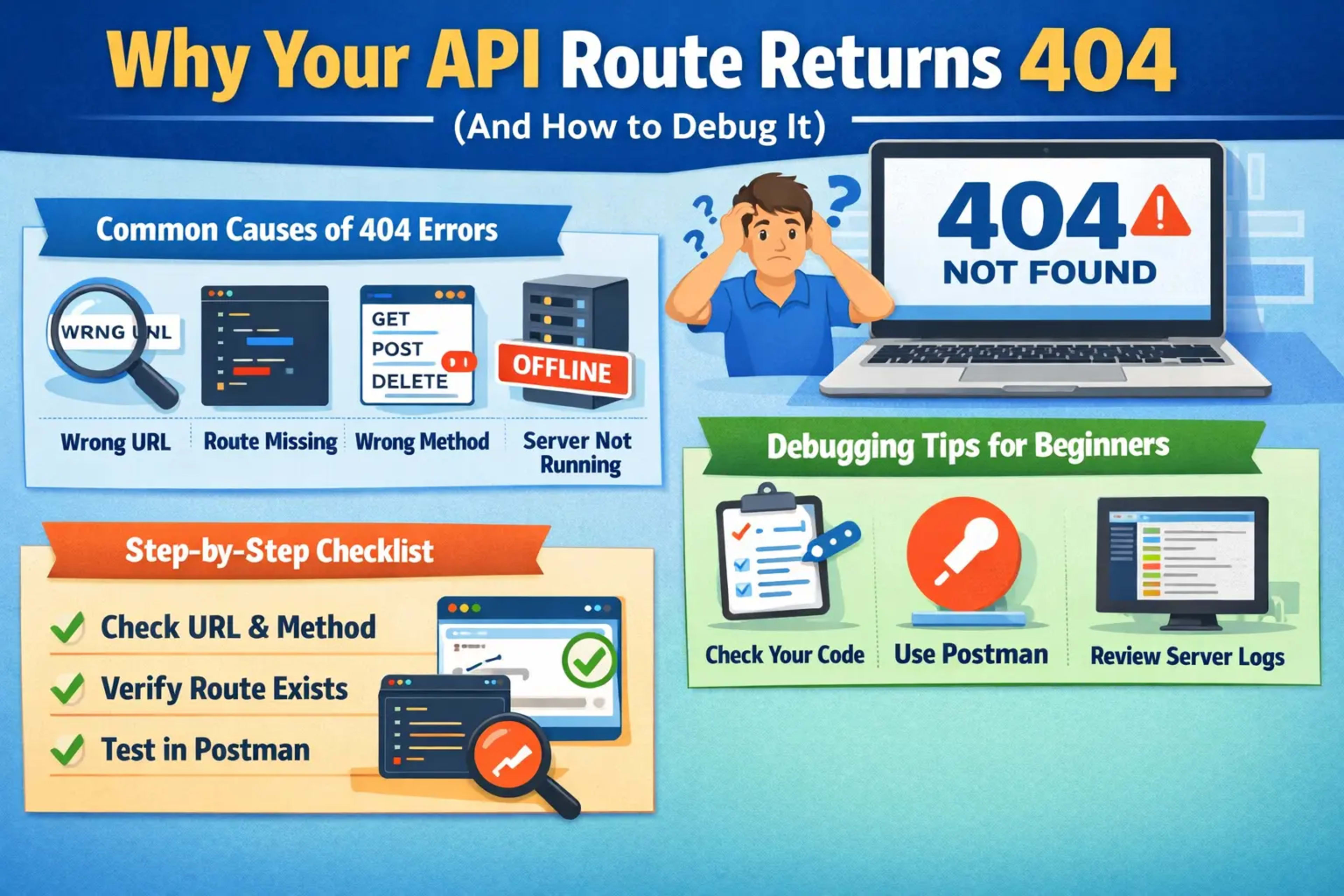
📌 Introduction: Understanding the 404 Error in APIs
If you're just starting with APIs, one of the most frustrating errors you'll encounter is the 404 Not Found. When your API route returns 404, it simply means:
“The server can't find what you're asking for.”
But don’t worry—this is a very common issue, and the good news is that it’s usually easy to fix once you understand the root cause.
In this guide, we’ll break down why your API route returns 404 and walk you through simple, practical debugging steps.
🔍 What Does a 404 Error Mean in APIs?
A 404 error happens when:
The requested URL doesn't exist
The route isn’t defined on the server
The endpoint is incorrect or misspelled
Think of it like going to a house that doesn’t exist on a street—it’s not there, so you get nothing.
⚠️ Common Reasons Why Your API Route Returns 404
1. Incorrect URL or Endpoint
This is the #1 cause.
👉 Example mistake:
/api/userInstead of:
/api/users✔️ Fix:
Double-check spelling
Match exactly with your backend routes
2. Route Not Defined in Backend
Sometimes, you simply forgot to create the route.
👉 Example (Node.js Express):
app.get('/api/users', (req, res) => {
  res.send("Users list");
});
If /api/users is missing, you'll get a 404.
✔️ Fix:
Ensure the route exists in your code
3. Wrong HTTP Method
Using the wrong method (GET, POST, PUT, DELETE) can cause a 404.
👉 Example:
You defined
POST /api/loginBut you're calling
GET /api/login
✔️ Fix:
Match the HTTP method exactly
4. Server Not Running
Sounds simple, but it happens a lot 😄
✔️ Fix:
Make sure your server is running:
npm startor
node app.js5. Incorrect Base Path or Prefix
Frameworks often use prefixes.
👉 Example:
/api/v1/usersBut you’re calling:
/users✔️ Fix:
Check your base path or API version
6. File or Folder Misplacement
In frameworks like Next.js or Django, file structure matters.
👉 Example (Next.js):
/pages/api/user.jsIf misplaced, route won't exist.
✔️ Fix:
Ensure correct folder structure
7. Middleware Blocking the Route
Middleware (like authentication) might prevent access.
✔️ Fix:
Temporarily disable middleware to test
8. Typos in Route Parameters
Dynamic routes can be tricky.
👉 Example:
/api/user/:idCalling:
/api/user/✔️ Fix:
Always pass required parameters
9. Deployment Issues
Works locally but not online? Classic problem.
✔️ Fix:
Ensure:
Routes are deployed
Environment variables are set correctly
10. CORS or Proxy Misconfiguration
Sometimes it looks like a 404 but is actually a proxy issue.
✔️ Fix:
Check:
Proxy settings
API base URL
🛠️ Step-by-Step Debugging Checklist
Here’s a simple checklist you can follow:
✔️ Check URL spelling
✔️ Verify route exists in backend
✔️ Confirm HTTP method
✔️ Ensure server is running
✔️ Look at logs/errors
✔️ Test with tools like:
Postman
curl
Browser
💡 Pro Debugging Tips for Beginners
Log your routes
Add console logs to confirm route is hitUse Postman
Helps isolate frontend vs backend issuesCheck server logs
They often tell you exactly what’s wrongUse try-catch blocks
Catch hidden errors
🧪 Example Debugging Scenario
Let’s say your API call:
GET /api/productsReturns 404.
Debug steps:
Check backend → route exists?
Confirm method → GET or POST?
Verify URL →
/productsvs/productTest in Postman
👉 Result: You realize route is /api/product (singular)
✔️ Fixed!
📊 Quick Summary Table
Problem | Cause | Fix |
|---|---|---|
Wrong URL | Typo | Correct spelling |
Route missing | Not defined | Add route |
Wrong method | GET vs POST | Match method |
Server off | Not running | Start server |
Prefix issue | Missing | Add correct path |
❓ FAQs
1. What does 404 mean in APIs?
It means the requested endpoint does not exist on the server.
2. Why does my API work locally but not in production?
It could be due to deployment issues, incorrect base URL, or missing environment variables.
3. Can wrong HTTP methods cause 404?
Yes! If the route only accepts POST and you send GET, it may return 404.
4. How do I check if my route exists?
Look in your backend code or log all routes using debugging tools.
5. Is 404 always a backend issue?
Not always—it can also be caused by frontend mistakes like wrong URLs.
6. What tools can I use to debug APIs?
Postman
curl
Browser DevTools
✅ Conclusion
Getting a 404 error when working with APIs can feel confusing at first—but it’s actually one of the easiest problems to fix once you know where to look.
By following this guide, you now understand:
Why your API route returns 404
The most common causes
Step-by-step ways to debug it
Keep practicing, and soon debugging will feel second nature!